How to use rank tracker to monitor daily positions
A rank tracker can check 50 keywords every day for as little as $5 a month. That is cheap enough for any freelancer or small business. The hard part is not the setup. It is knowing which daily changes matter. Here is how to use a rank tracker for daily positions. Pick a tool that […]
28. oktober 2026
Hussein Ali CEO & Founder
A rank tracker can check 50 keywords every day for as little as $5 a month. That is cheap enough for any freelancer or small business. The hard part is not the setup. It is knowing which daily changes matter.
Here is how to use a rank tracker for daily positions. Pick a tool that checks Google every day, add your site, and enter your keywords. Set the location, language, and device. Group keywords into folders, then review trends and add notes.
Key Takeaways
Daily tracking needs four settings: location, language, device, and a saved start date.
Start with 25 to 50 keywords sorted into folders.
Your own browser search is personalized. Tracker data is not.
Judge moves over two to four weeks, not one day.
Write a note for every site change, so movement has a reason.
Free checkers show a snapshot, not a daily history.
What a Rank Tracker Does and Why Daily Checks Matter
A rank tracker is a tool that searches Google for your keywords and records where your pages appear. It does this on a schedule and saves every result. Over time you get a history, not a single snapshot.
That history is the point. One number tells you little. A line over 60 days tells you whether your work is paying off.
What it records
For each keyword, a tracker typically stores:
Your position (for example, 8 on the results page)
Which of your pages ranks
The date and the settings used
Search volume, meaning how often people search the term each month
Extra items on the results page, such as ads or map results
Why daily and not weekly
Some tools check once a week, and daily checks cost more on those plans. Weekly data can hide a drop that starts on Tuesday and ends on Thursday. You see the shape of a change only when you have data every day.
Daily data also helps after a site update. If you change a title tag on Monday, you can watch what happens on Tuesday, Wednesday, and Thursday. With weekly data, you get one point and a guess.
Step-by-Step: Set Up Daily Rank Tracking
Follow these steps in order. The order matters because later steps depend on the earlier ones. A messy setup gives you messy data for months.
Choose a tool that updates every day.
Add your website.
Set country or city, language, and device.
Add your keywords.
Sort them into folders.
Save your baseline.
Check the update frequency before you pay. Some tools list weekly updates on standard plans and charge extra for daily checks. Confirm this first.
Step 1 and 2: Pick the tool and add your domain
Look at price per keyword, not the headline price. Some platforms cost over $100 a month because they bundle research and audit features you may never open. If you only need positions, a rank-only tool is enough.
SimpleSERP is one example. Its 50-keyword plan costs $5 per month, it tracks Google positions daily, and the 7-day free trial needs no credit card. That is a cheap way to test your workflow before you commit.
Then enter your domain. Use the version of your site that Google shows, with or without “www”. If you are unsure, search your brand on Google and check the URL.
Step 3: Set location, language, and device
These settings decide whether your data matches what real people see. Choose them on purpose. Do not change them later without writing down the date, or your history will break.
The next two sections cover location and device in detail.
Step 4 to 6: Keywords, folders, and a baseline
Add your keywords, then sort them right away. Tidy data on day one saves hours later. The folder section below shows how.
Your first results are your baseline. Record the starting positions and the date before you change anything. Every later gain is measured against that day.
Do not act on the first run. Look at it, note anything odd, and wait a week.
Location Settings: Country, City, or Both?
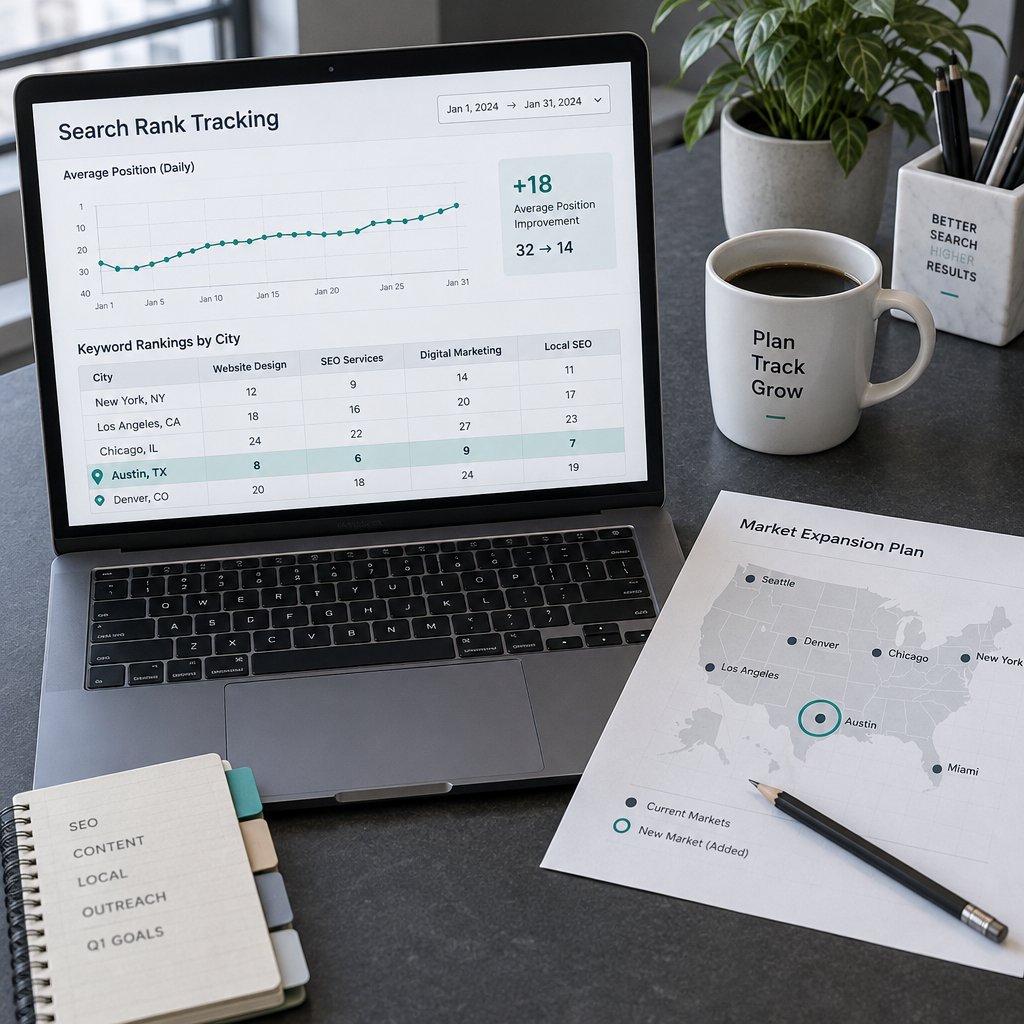
Track by country if you sell across the whole United States. Track by city if customers come from one area, such as a dentist in Denver or a plumber in Tampa. When in doubt, start with the country. Add a city only where local searchers drive your sales.
Google shows different results in different places. A search for “pizza delivery” in Chicago looks nothing like the same search in Phoenix. Even non-local terms can shift a few spots between regions.
When country tracking is enough
Use country tracking for online stores, software, and content sites. Your customers could be anywhere. A national view shows your general strength for each term.
It also keeps your keyword count low. One keyword in one country counts once. That matters on a small plan.
When to add a city
Add a city if you have a storefront or a service area. Keywords like “emergency plumber” or “tax preparer near me” depend heavily on the searcher’s spot. A national position tells you almost nothing for those terms.
Be careful with cost. Tracking one keyword in three cities uses three keyword slots on most tools. For a 50-keyword plan, that means 17 keywords in three cities. Pick your top local terms and your top cities only.
One more rule: keep the language setting matched to your audience. A U.S. site with Spanish-language pages needs a separate Spanish keyword set, not a mix.
Mobile vs. Desktop: Track the Device Your Visitors Use
Google builds a different results page for phones and for computers. The same keyword can rank 4 on desktop and 9 on mobile. On a phone, ads, map results, and other boxes often push the plain links down the page.
Open your analytics and check your device split. If 70% of your visits come from phones, set mobile as your main device. If most visitors are on laptops, as is common with business software, choose desktop.
You can track both, but it doubles your keyword use on many tools. On a small plan, pick one device first. Add the second only for your most important terms.
Google’s Search Console has a free Devices tab. It shows clicks by device, so you can decide which to track without guessing.
Keep the choice fixed. Switching from desktop to mobile in the middle of a month looks like a ranking crash when it is only a settings change.
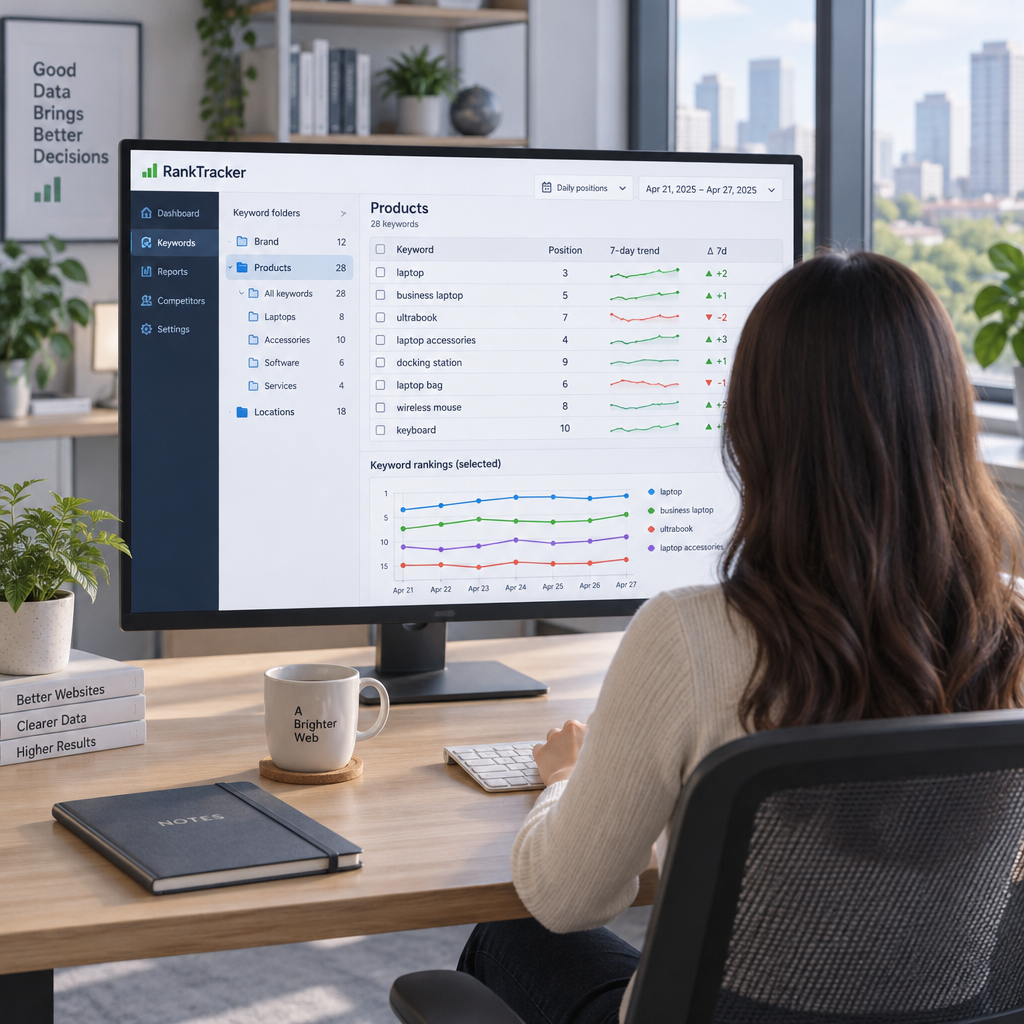
Choose Keywords and Group Them into Folders
Start with 25 to 50 keywords. That is enough to see patterns and small enough to read each week. Tracking 500 terms on day one buries the useful signals in noise.
Add your brand name, your main product or service terms, and a few terms you want to win next. If you already have a keyword list from a spreadsheet, import it instead of typing each one.
Folders that make the data readable
A folder is a group of related keywords. Folders let you read trends for a topic, not just single terms. A few ideas:
By page type: product pages, blog posts, service pages
By goal: money terms, brand terms, growth terms
By location: one folder per city
By priority: top 10 terms versus the rest
Name folders in plain words so a client or boss understands them. A folder called “Money terms” beats “Group A”.
Folders also help you spot cause and effect. If all your blog posts drop and your product pages hold steady, the cause is likely linked to the blog, not the whole site.
Why Your Tracker Shows Different Ranks Than Google
Your own search is skewed. Google personalizes results using your search history, your location, and your device. A tracker uses a clean, fixed setup, so it shows a neutral position. That makes its numbers more reliable than a quick look in your browser.
This is the most common source of confusion for new users. You search your keyword, see yourself at 3, then open the tracker and see 7. Neither is wrong. They measure different things.
Why checking by hand misleads you
When you search by hand, three things bend the result:
Your past clicks and visits to your own site
Your real location, down to the neighborhood
Your signed-in Google account
You also tend to remember the good result and ignore the bad one. A tracker does not do that.
How to compare fairly
If you must check by hand, use a private window and set a location. Expect small differences anyway. The goal is not a perfect match. The goal is a steady method, so you can compare today with last week.
Rely on the tracker for your numbers. Use a manual search only to look at what the page looks like, such as which boxes sit above your link.
How to Read Daily Changes Without Overreacting
Daily positions move. A shift of one to three spots in a day is normal for most keywords and rarely needs action. Look at the trend over two to four weeks before you decide anything has changed. Act on patterns across several keywords, not on one bad day.
Think of it like a weather report. One cloudy afternoon does not change the climate. A cold month does.
Use trend windows
Compare these time spans:
7 days: spots sudden drops
30 days: shows the real direction
90 days: confirms lasting gains
If a keyword falls from 6 to 9 and then returns to 7 the next day, ignore it. If it slides from 6 to 14 over three weeks, investigate.
Look at the folder, not the keyword
One keyword dropping tells you little. Ten keywords in the same folder dropping on the same day tells you something real. It might be a page problem, a Google update, or a competitor.
Google also rolls out broad updates a few times a year. If many unrelated keywords move together, check the date against recent Google announcements before you rewrite pages.
Worked example
Say you track 20 keywords in a “Services” folder. On Monday, 3 of them drop 2 spots. On Friday, they are back. That is noise.
Now say 12 of the 20 drop 5 or more spots and stay down for two weeks. That is a signal. Check the pages in that folder, look at what changed on your site, and look at who now ranks above you.
Notes, Competitors, and Results Pages
Positions alone do not explain movement. Add a note every time you change something on your site. Without notes, you will see a jump in March and have no idea why by June.
Good notes are short and dated. For example: “Oct 14: rewrote title tag on pricing page.” Later, you can line that note up with the chart and see whether it helped.
What to write down
Log these events:
Title or heading changes
New or updated content
New backlinks or press mentions
Site speed or design changes
Known Google updates
SimpleSERP lets you attach notes to each keyword, so the record of your work sits next to the ranking line. Keep the habit whatever tool you use.
Look beyond your own position
A rank of 8 means different things depending on what sits above it. Ads, a map block, or an AI summary can push your link far down the screen. Pew Research Center found that users clicked a regular result in 8% of visits that showed an AI summary, versus 15% without one. Your position can hold steady while your clicks fall.
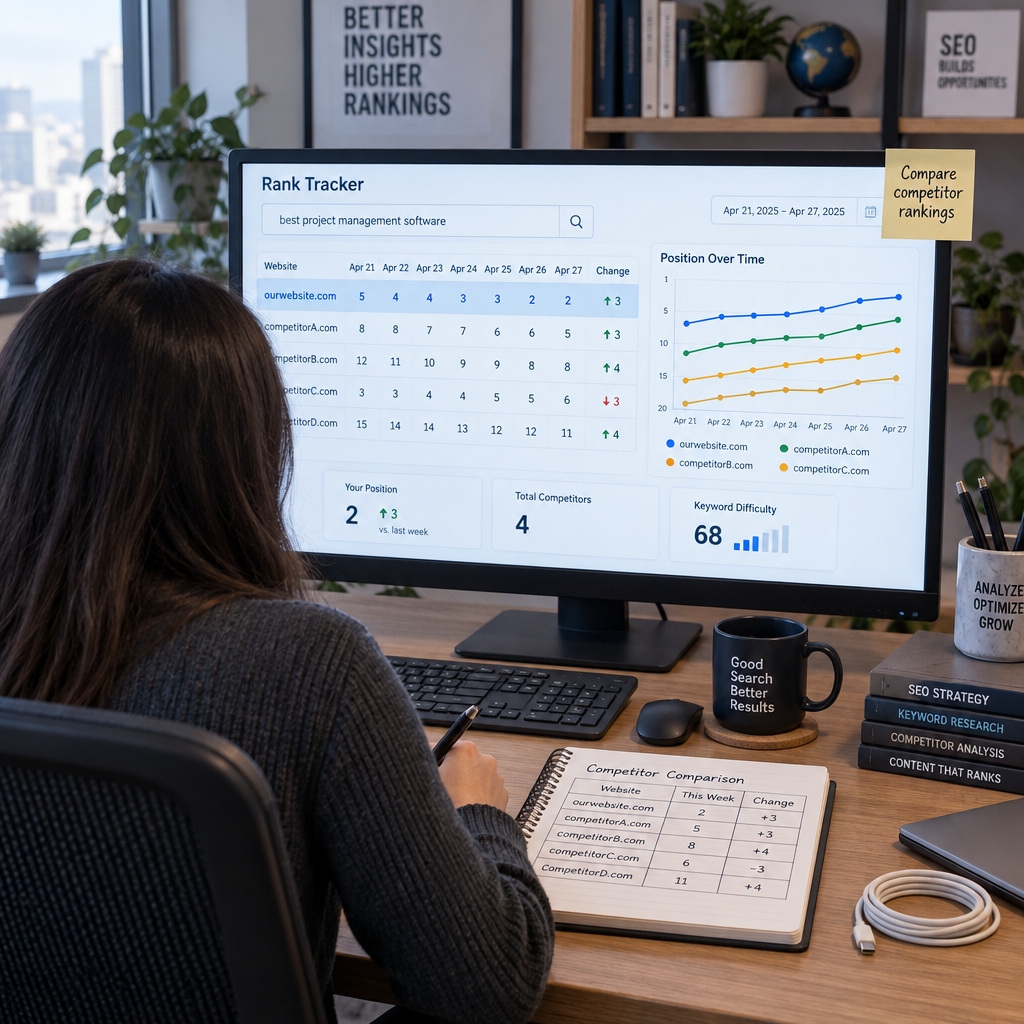
Check who ranks above you for your top terms. If the same two sites appear again and again, they are your real competitors. Study their pages.
Pair rank data with search volume. A drop on a term with 50 searches a month matters far less than a drop on one with 5,000.
Free vs. Paid Rank Tracking: What Is Enough?
Free checkers work for a quick look. They do not work for daily monitoring. A free tool gives you a snapshot, usually with a small daily limit. One free checker, for instance, allows 5 checks a day. You cannot build a 60-day trend from that.
Google Search Console is a free baseline worth using. It shows average position across all searchers and keeps 16 months of data. But it gives an average, not the exact daily position for one city and device.
What paid tools cost
Prices vary a lot. Some tools charge about $39 a month for 500 daily keywords. Others start near $129 or $224 a month because they include research, audits, and big keyword limits. Small sites rarely need that.
For a small list, a low-cost tracker is the practical choice. At $5 a month for 50 keywords, SimpleSERP costs less than one coffee order. You can also cancel anytime, with no long-term contract.
How to decide
Choose free tools if you check rankings once a month for a handful of terms. Choose a paid tracker if you want daily history, folders, and notes. That is when the data starts to guide real decisions.
Watch the keyword math before you buy. Every extra city or device uses more slots. A 50-keyword plan covers 50 keyword, location, and device combinations, not 50 plain terms.
Common Mistakes to Avoid
Most tracking problems come from habits, not tools. These five cause the most wasted effort:
Checking rankings in your own browser instead of a tracker.
Tracking hundreds of keywords with no folders.
Ignoring location and device, so the data does not match real searchers.
Reacting to every one-day swing.
Skipping notes, which leaves movement unexplained.
Each fix is simple. Use the tracker for numbers. Keep your list small and sorted. Match settings to your audience. Wait for a trend. Write the note.
One more tip: set a weekly review time. Ten minutes every Monday beats checking the dashboard six times a day. Look at your folders, scan for drops across several keywords, and read your notes. Then close the tab.
If you work with clients or a boss, share a dashboard view instead of screenshots. Show them folder trends and your notes, so they see progress and the reasons behind it.
Conclusion
Start small. Add 25 to 50 keywords, set your location and device once, and sort them into folders. Save a baseline, then leave the data alone for a week. Review trends every Monday and write a note for each site change.
A rank tracker is a tool that checks Google for your chosen keywords and records where your pages appear. It saves each result by date, so you can see how your positions change over days, weeks, and months.
How many keywords should I track?
Start with 25 to 50 keywords that tie to sales or leads. That is enough to spot patterns without burying them in noise. Add more only after your folders and weekly review habit are working.
Should I track mobile and desktop separately?
Track the device most of your visitors use. Check your analytics for the split. Add the second device only for your top terms, because each device usually uses extra keyword slots on your plan.
Are free rank checkers enough for daily monitoring?
No. Free checkers give a snapshot with small daily limits and no real history. Search Console is a good free baseline, but it shows averages. For daily positions by city and device, use a paid tracker.
Try SimpleSERP free for 7 days
Discover transparent, reliable rank tracking with no hidden fees and no commitment.

 Cancel anytime

